
action · Touch-control listing
Bloons TD5
Place defensive towers, choose upgrades, and manage the route as waves of balloons become more demanding.
Controls: Use the mouse or touchscreen to place towers and select upgrades.
View game and playHome / Touchscreen games
Browse by controls
Browse browser games whose listings note touchscreen, tap, swipe, or on-screen controls. Check each game’s device notes and prompts before playing.
We include a title only when its Odyssey control notes explicitly mention touch, tapping, swiping, or on-screen controls. This is a guide to documented input—not a promise that every third-party game works on every phone or tablet. Check the individual listing and follow prompts inside the game.
action · Touch-control listing
Place defensive towers, choose upgrades, and manage the route as waves of balloons become more demanding.
Controls: Use the mouse or touchscreen to place towers and select upgrades.
View game and play
action · Touch-control listing
Steer a car through a winding course by timing each turn and keeping the vehicle on the track.
Controls: Use the key or mouse control shown by the game to steer.
View game and play
action · Touch-control listing
Drive across uneven tracks, manage momentum, and keep the vehicle balanced through obstacle-filled levels.
Controls: Use the arrow keys or the controls displayed inside the game.
View game and play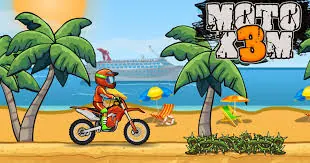
action · Touch-control listing
Ride through stunt tracks, control the bike in the air, and finish each level as quickly as you can.
Controls: Use the arrow keys or the on-screen controls shown by the game.
View game and play
action · Touch-control listing
Aim and release arrows in Ragdoll Archers, a physics-based archery game with single-player, PvP, and two-player modes.
Controls: Use the on-screen hold-and-release control area to aim and shoot; follow the in-game prompt.
View game and play
action · Touch-control listing
Swing from anchor points, release at the right moment, and carry momentum to the finish.
Controls: Use the mouse, touchscreen, or the input shown in the game to attach and release.
View game and play
action · Touch-control listing
Run along changing tracks, avoid obstacles, and react quickly as the route speeds up.
Controls: Use the arrow keys or swipe controls provided by the game.
View game and play
arcade · Touch-control listing
Move a small cell around the arena, collect mass, and avoid larger opponents while you grow.
Controls: Move with the mouse or touchscreen controls provided by the game.
View game and play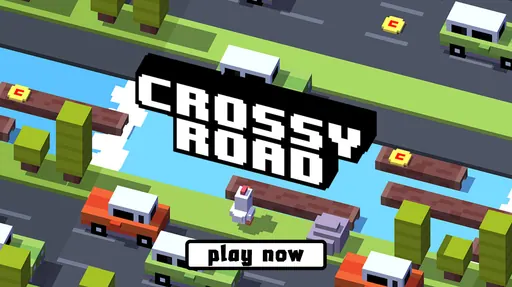
arcade · Touch-control listing
Guide a character across roads, rivers, and tracks while watching traffic and choosing safe moments to move.
Controls: Use the arrow keys, mouse, or touchscreen controls shown in the game.
View game and play
arcade · Touch-control listing
Time short taps to guide the bird through gaps and keep a clean run going for as long as possible.
Controls: Tap, click, or press the key shown by the game to flap.
View game and play
arcade · Touch-control listing
Time jumps through geometric obstacle courses and learn each level’s rhythm through repeated attempts.
Controls: Use the mouse, touchscreen, or the key shown in the game to jump.
View game and play
casual · Touch-control listing
Make choices through a text-based life simulation and see how different decisions change the next chapter.
Controls: Use the mouse or touchscreen to choose an action from the menus.
View game and play
casual · Touch-control listing
Build a cookie production chain by clicking, buying upgrades, and balancing short-term and automatic progress.
Controls: Use the mouse or touchscreen to click and choose upgrades.
View game and play
casual · Touch-control listing
Manage a mining operation, buy upgrades, and build a steady resource loop in this idle management game.
Controls: Use the mouse or touchscreen to select mines, workers, and upgrades.
View game and play
casual · Touch-control listing
Run a small supermarket, keep shelves stocked, and expand the shop as more customers arrive.
Controls: Use the keyboard or on-screen controls shown by the game to move and interact.
View game and play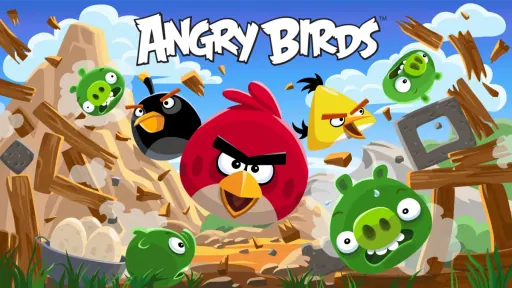
puzzle · Touch-control listing
Aim launches, use each bird’s behaviour, and clear structures by planning the order of your shots.
Controls: Drag and release with the mouse or touchscreen to aim and launch.
View game and play
puzzle · Touch-control listing
Plan launches around space-themed layouts, using gravity and structure placement to reach the target.
Controls: Drag and release with the mouse or touchscreen to aim and launch.
View game and play
puzzle · Touch-control listing
Solve launch-based challenges by reading the level layout and choosing a useful angle for each attempt.
Controls: Aim and launch with the mouse or touchscreen controls shown by the game.
View game and play
puzzle · Touch-control listing
Match groups of coloured pieces, create useful combinations, and work toward each board’s target.
Controls: Swap pieces with the mouse or touchscreen controls shown in the game.
View game and play
puzzle · Touch-control listing
Draw a route for the car, read the level’s obstacles, and adjust the line when the first attempt does not work.
Controls: Draw with the mouse or touchscreen, then use the game’s start or reset control.
View game and play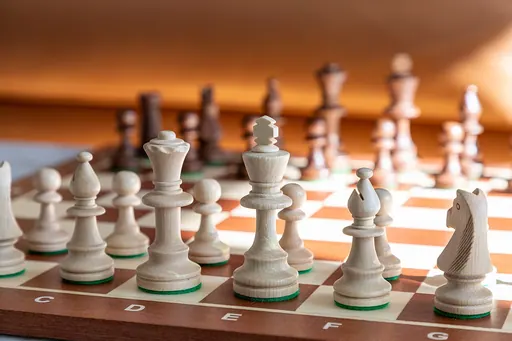
puzzle · Touch-control listing
Play a browser chess game, plan your moves, and use the board to practise common positions.
Controls: Select and move pieces with the mouse or touchscreen.
View game and play
sports · Touch-control listing
Line up shots, control the cue, and practise pool positioning in a classic eight-ball format.
Controls: Aim and shoot with the mouse or touchscreen controls shown by the game.
View game and playNeed keyboard controls? Some listings are marked PC-only. Browse action games or open a game page to check its device notes before starting.