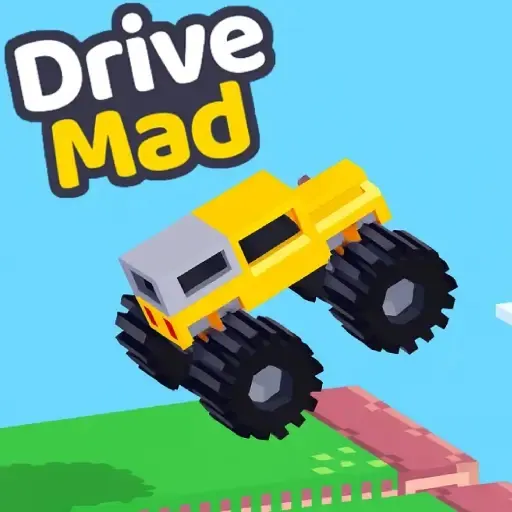
Drive Mad
Drive across uneven tracks, manage momentum, and keep the vehicle balanced through obstacle-filled levels.
Controls: Use the arrow keys or the controls displayed inside the game.
View game and playHome / Racing and driving
Browse by play style
Play browser racing and driving games, from PolyTrack time trials to Moto X3M stunts, Drive Mad obstacles, and Drift Boss turns.
Pick a style before you start: PolyTrack focuses on compact track time trials, Moto X3M is built around stunt levels, and games such as Drive Mad and Eggy Car focus on balance across uneven terrain. Drift Boss is about timing turns, while Crazy Cars is labelled for PC play.
Drive across uneven tracks, manage momentum, and keep the vehicle balanced through obstacle-filled levels.
Controls: Use the arrow keys or the controls displayed inside the game.
View game and play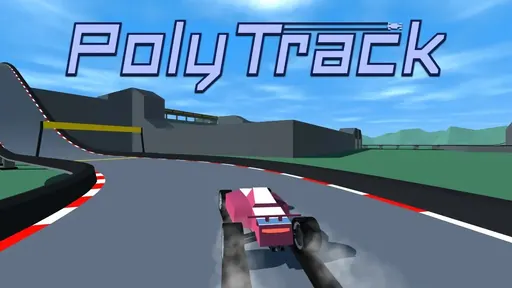
Race on compact 3D tracks and practise steering, braking, and cornering against the clock.
Controls: Use the keyboard controls shown in the game for steering and acceleration.
View game and play
Ride through stunt tracks, control the bike in the air, and finish each level as quickly as you can.
Controls: Use the arrow keys or the on-screen controls shown by the game.
View game and play
Drive over changing hills while keeping the egg balanced and collecting distance without losing control.
Controls: Use the keyboard controls displayed in the game to accelerate and brake.
View game and play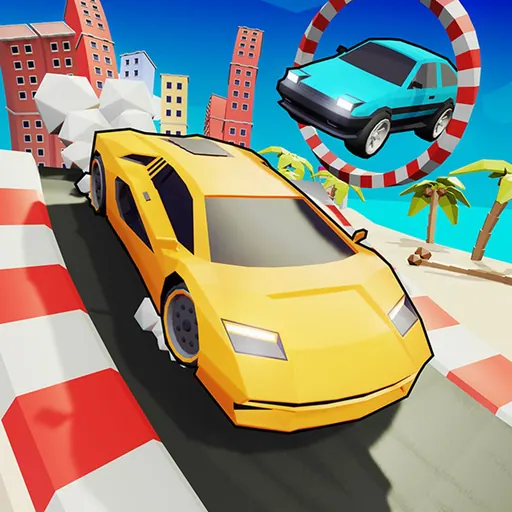
Drive through a compact browser racing course and practise steering around corners and obstacles.
Controls: Use the keyboard controls shown by the game; this listing is intended for PC.
View game and play
Steer a car through a winding course by timing each turn and keeping the vehicle on the track.
Controls: Use the key or mouse control shown by the game to steer.
View game and playFor a track and lap-time challenge, start with PolyTrack. For jumps and stunt obstacles, try Moto X3M. Drive Mad and Eggy Car suit players who want to manage momentum and keep a vehicle steady. Drift Boss uses timed steering. The game page lists the controls and device notes we have for each title; follow the in-game prompt if it differs.
Browser games can behave differently across devices and publishers. Some require a keyboard, may save progress locally, or rely on their original game host. Use the game page’s reload control if a build does not start.
Browse the full Odyssey Games library · Report a broken game listing